
LG’s Built-In Chromecast Update and What It Means for Digital Menu Boards
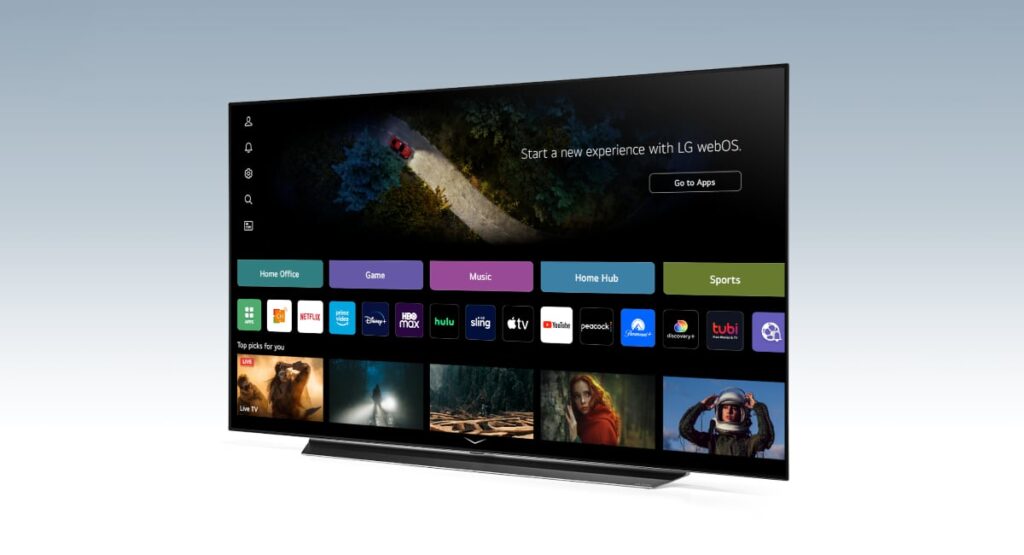
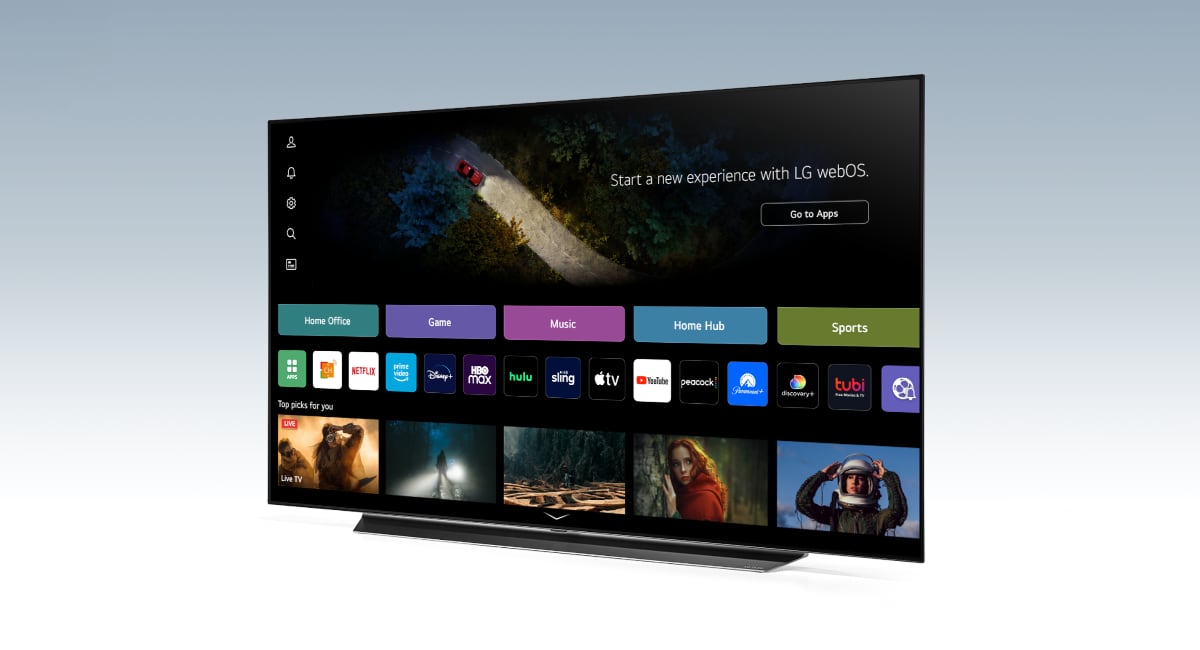
LG recently rolled out a firmware update for its smart TVs that introduces built-in Chromecast functionality. Developed by Google, Chromecast allows users to wirelessly cast content from smartphones, tablets, and computers directly to a display. With this capability now embedded in LG TVs, businesses no longer need external streaming hardware to power their digital signage. For restaurants, QSRs, and food service operators using Menuboard Manager from OSM Solutions, this update simplifies deployment and reduces costs significantly.
The update is available on LG OLED, NanoCell, QNED MiniLED, and UHD series models from 2021 and newer. Operators should confirm their TV is running the latest firmware by navigating to the settings menu and checking for updates before attempting to use the built-in Chromecast feature.
How Built-In Chromecast Benefits Menuboard Manager Users
Menuboard Manager is a cloud-based digital menu board CMS that enables businesses to design, schedule, and manage menu content across one or many displays. Pairing it with an LG TV that has native Chromecast support eliminates a layer of complexity from the digital signage stack. There is no need to purchase, mount, or maintain a separate media player or Chromecast dongle. The TV itself becomes the complete hardware solution.
This integration delivers several practical advantages. Setup is faster because operators simply cast their menu content from any device on the same Wi-Fi network. Hardware costs drop since external streaming devices are no longer part of the equation. Reliability improves because fewer components mean fewer points of failure. And because Menuboard Manager is cloud-based, any menu update pushed through the platform reflects on the LG display in real time without manual intervention at the screen.
Getting Started: Casting Menuboard Manager to an LG TV
The process is straightforward. First, ensure the LG TV firmware is current and the built-in Chromecast feature is active. Next, connect both the TV and the device running Menuboard Manager to the same Wi-Fi network. Then, log in to your Menuboard Manager account and open the menu board you want to display. Tap or click the cast icon in your browser or app, select the LG TV from the list of available devices, and the menu board will appear on screen. From that point forward, content updates made within the OSM Solutions platform automatically propagate to the display.
Why This Matters for Restaurants and Food Service Operators
Digital menu boards are now a baseline expectation in modern food service environments. Customers expect clear, dynamic, and up-to-date menu presentations. The challenge for many operators has been the cost and complexity of deploying and maintaining digital signage hardware. LG’s decision to embed Chromecast directly into its commercial and consumer TV lines removes one of the most common friction points in that process.
For businesses already using Menuboard Manager, this is an opportunity to streamline existing installations or expand to new locations with lower upfront investment. For those evaluating digital menu board solutions for the first time, the combination of an LG smart TV and a cloud-based CMS from OSM Solutions represents one of the most accessible entry points available today. Stay current on developments like this by visiting the OSM Solutions news and blog.
If you are ready to simplify your digital menu board deployment or want to see how Menuboard Manager works with LG’s built-in Chromecast, contact us to schedule a demo.
